How to Choose the Best Photo for Your Pet Portrait
July 26, 2026
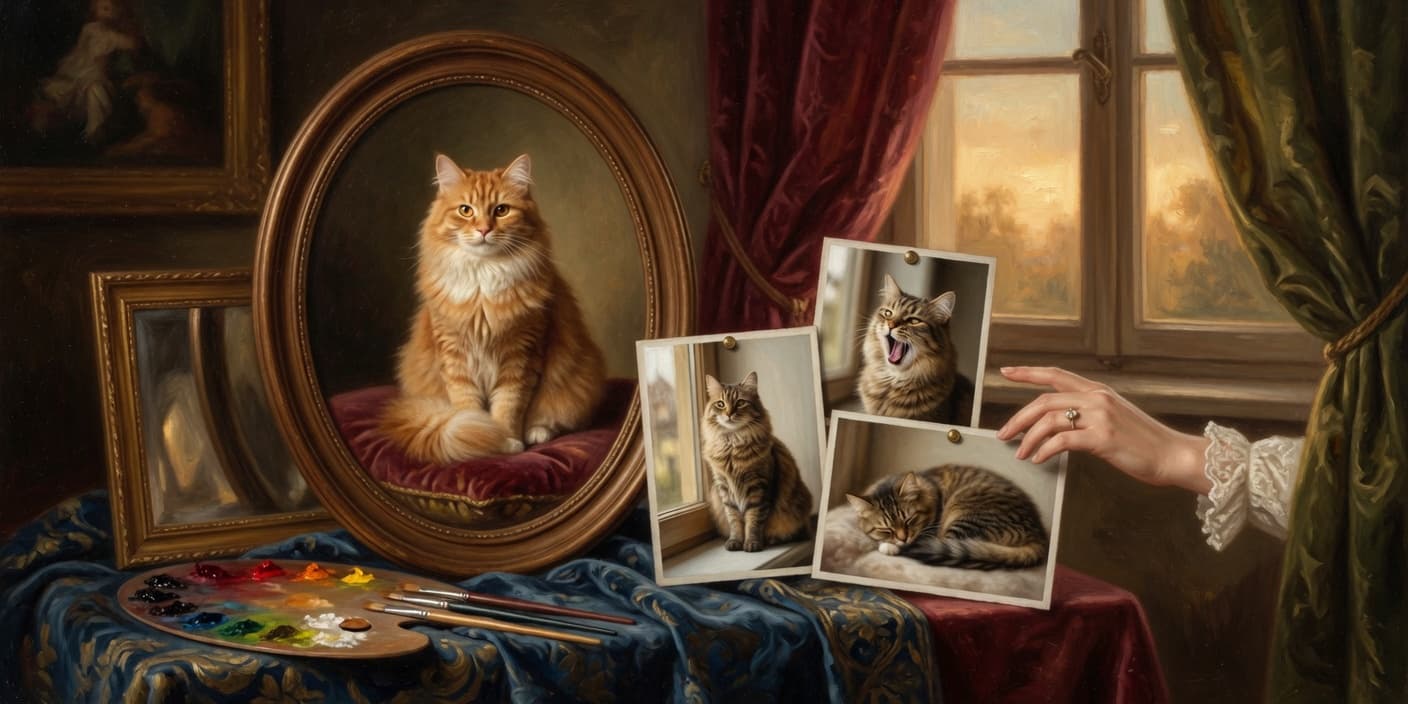
A custom pet portrait is only ever as good as the photo behind it. Choose the right one and your pet's personality shines through; choose a blurry, backlit snapshot and even the best rendering has nothing to work with. The good news: you almost certainly already have a great photo on your phone — you just need to know what to look for. Here's exactly how to pick it.
The 6-point good-photo checklist
Before you upload, run your photo through these six checks. Hit all six and you're set:
- Sharp focus — the eyes, nose, and fur look crisp, not smeared.
- Good light — soft, even, natural light with no harsh shadows.
- Face fully visible — nothing cut off, nothing hiding the face.
- Front-facing or slight angle — you can see both eyes.
- Fills the frame — the face takes up a good portion of the photo.
- A natural expression — it looks like them.
Miss one or two and the portrait can still work. Miss most of them and it's worth taking a fresh photo — it takes two minutes and makes all the difference.
Lighting: natural light always wins
Lighting is the single biggest factor. The best photos are taken outdoors in soft daylight or indoors next to a big window. That kind of light wraps gently around your pet's face and shows their true colors.
What to avoid:
- Flash — it flattens features and causes glowing "laser eyes."
- Harsh midday sun — it carves deep shadows across the face.
- Dim rooms — low light forces grain and blur.
If you can only shoot indoors, turn your pet toward the window, not away from it.
Angle and framing: get down to their level
Photograph your pet from their eye level, not standing above them. Eye-level shots feel intimate and portrait-like; top-down shots distort the face and shrink it.
Aim to capture the head, shoulders, eyes, and ears, with the face taking up much of the frame. A straight-on view or a slight three-quarter angle both work beautifully — the key is that both eyes are visible. Get physically closer (or crop in) rather than zooming with your phone, which softens detail.
Resolution: send the original, not a screenshot
Always use the original photo from your camera roll — never a screenshot, a re-saved social-media download, or a heavily compressed forward from a chat. Those strip out detail your portrait depends on.
Quick test: pinch-to-zoom into your pet's face. If the eyes, nose, and fur stay crisp when enlarged, you have a great candidate. If it turns mushy, pick a sharper shot.
Expression: capture the real them
Technically perfect and lifeless isn't the goal — you want the photo that makes you smile. A calm, alert expression with the eyes toward the camera creates the strongest connection and translates best into art.
Fun but tricky: mid-run action shots, mid-bark blurs, and extreme tongue-out angles are hard to render cleanly. If you love a goofy one, upload it — just have a calmer backup ready too.
Good vs. bad, at a glance
| ✅ Great photo | ❌ Skip it |
|---|---|
| Sharp, in focus | Blurry or motion-smeared |
| Soft natural light | Flash or harsh shadows |
| Whole face visible | Face cut off or turned away |
| Shot at eye level | Shot from above |
| Original file | Screenshot or compressed |
| Calm, natural look | Chaotic action blur |
Still not sure? Let the preview decide
Here's the low-risk part: with Pet Art Print you don't have to gamble. Upload your best photo and you'll get a free preview of your pet's portrait before you pay anything. If it's not quite right, try another photo — no cost, no commitment. It's the easiest way to know your photo works.
When you've got your shot, put it to work — and if you want your pet crowned like nobility, start with our guide to renaissance pet portraits.
Frequently Asked Questions
What kind of photo works best for a pet portrait?
A clear, well-lit, front-facing photo with your pet's whole face visible. Shoot at their eye level in soft natural light, get close enough that the face fills much of the frame, and use the original file rather than a screenshot.
Can I use a photo from my phone?
Yes — most great portraits start from a phone photo. Just use the original image from your camera roll (not a screenshot or a compressed download) so the fine detail in the eyes and fur is preserved.
Does the lighting in my photo really matter that much?
It's the biggest factor. Soft, natural light — outdoors or next to a window — gives the clearest, truest result. Avoid flash and harsh midday sun, which cause glare and heavy shadows.
My only good photo is a little blurry. Will it still work?
Sharpness matters most around the eyes and nose. If those stay crisp when you pinch-to-zoom, it can work. If the face turns mushy when enlarged, it's worth grabbing a sharper shot.
What if I'm not sure my photo is good enough?
You don't have to guess. Upload it and you'll get a free preview of the portrait before paying anything — if it's not right, try a different photo at no cost.